


 EN
 ไทย


Customers Also Purchased
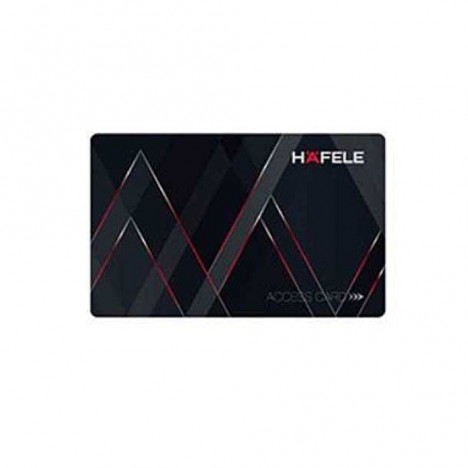
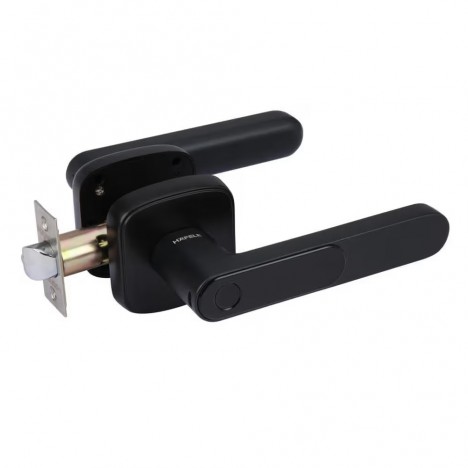
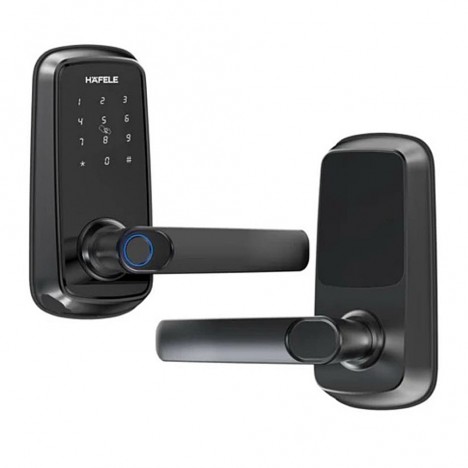
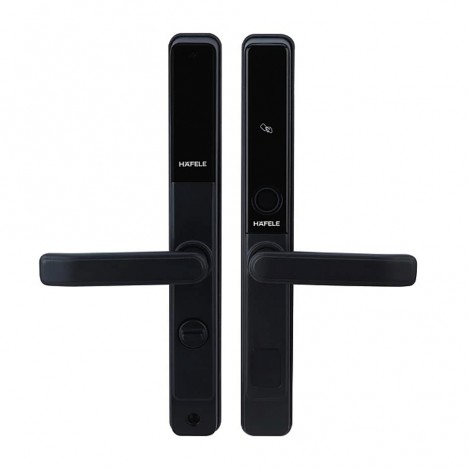
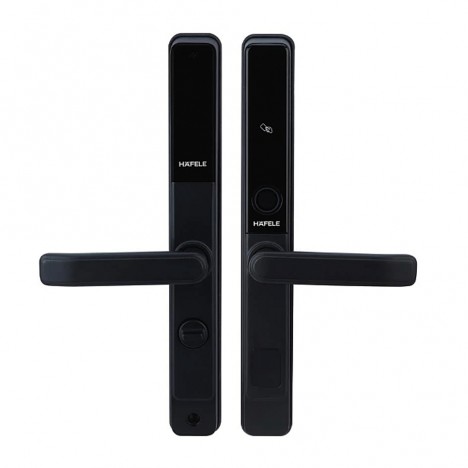
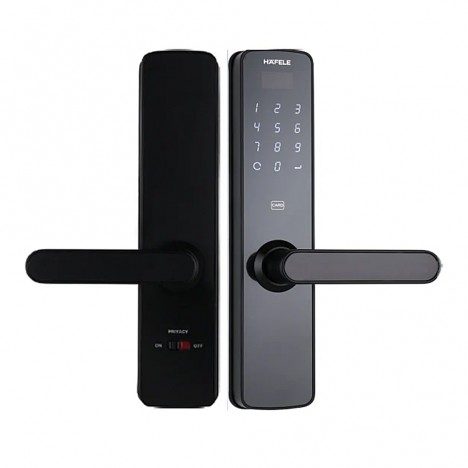
When people start looking for ways to upgrade the convenience and security of their home doors, the terms they frequently encounter are Digital Door Lock and smart locks, which are often used interchangeably as if they were the exact same thing. But once you start researching, you find that some models focus on keypad passcodes, some on fingerprints, some support mobile apps, some integrate with smart homes, and some still retain traditional backup keys. This leaves prospective buyers confused about whether there is really a difference between the two terms or if it is just a matter of wording.
The answer is They are related, but not quite the same thing. Overall, "digital door lock" is generally a broad term used for electronic door locks that primarily eliminate the need for traditional keys, such as using passcodes, fingerprints, keycards, or specific touch-to-unlock methods. "Smart lock," on the other hand, typically refers to locks with enhanced connectivity features, such as app control, Wi-Fi or Bluetooth operation, remote door status monitoring, issuing access permissions to others, or integrating with smart home systems. Many lock manufacturers explain in a similar vein that electronic locks or keyless locks may still focus on physical unlocking right at the door—such as PINs, cards, or keys—while smart locks take it a step further with connectivity and control via smartphones or home networks.
Therefore, when deciding which type to choose, the more important question is not "which one is more modern," but rather "how do you actually need to use it in real life?" For example, do you just want to avoid carrying keys, make it easier for family members to enter, grant access to housekeepers or technicians at scheduled times, or check your phone to confirm if the door is locked? Each of these needs will lead to very different choices.
What is a digital door lock?
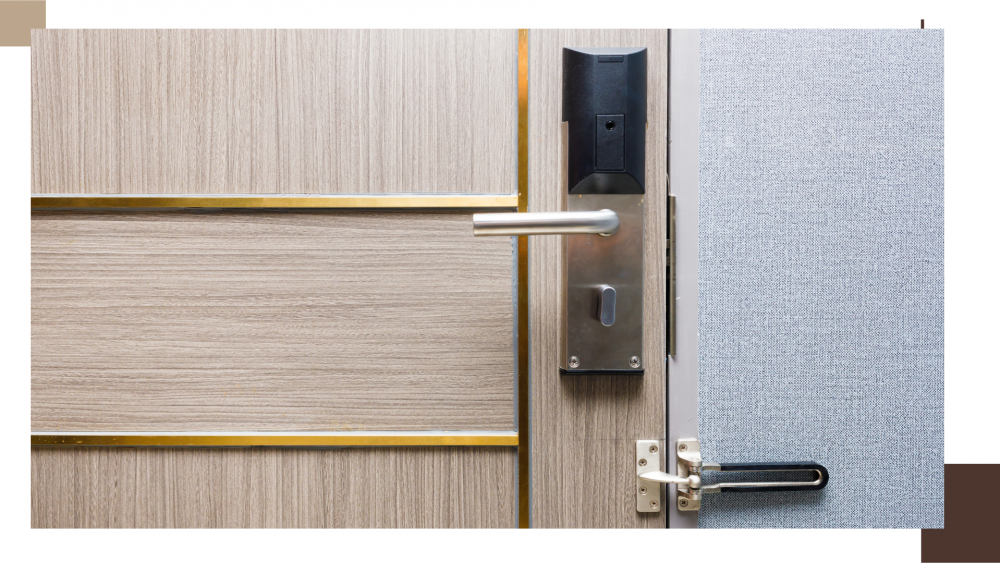
Put simply, a digital door lock is a latch or door lock system that uses electronic unlocking methods instead of traditional mechanical keys—or at least adds modern unlocking methods such as passcodes, fingerprints, RFID keycards, or, in some models, multiple options all in one. Many manufacturers categorize these products as digital locks, electronic locks, or keyless entry, emphasizing "key-free access as the primary feature" and letting users choose the access method most convenient for them, such as a PIN code, fingerprint, RFID card, or, in some models, a mobile app.
The key advantage of a digital door lock is convenience right at the door. For instance, when you arrive home, you can simply enter your passcode without rummaging through your bag for keys. Older children can have their own passcodes, elderly family members may find pressing buttons easier than turning a key, and for multi-person households, there is no need to cut duplicate keys or worry about constantly forgetting them.
From another angle, many digital door locks do not require an active internet connection. Some models operate as standalone electronic devices, storing passcodes, fingerprints, or reading keycards directly on the unit itself. For many homes, this makes a digital door lock feel more like a "more convenient version of a house key" rather than a full-fledged smart home device.
So, what is a smart lock?
A smart lock is a door lock system that offers capabilities beyond just local electronic unlocking at the door by adding "connectivity," whether via Bluetooth, Wi-Fi, or integration with a smart home hub/bridge. Its standout feature is that you can control it, check its status, or manage access permissions through a mobile phone or other platforms. Many manufacturers uniformly explain that a smart lock allows users to lock/unlock remotely, monitor who enters and leaves and when, send digital keys or guest access to others, and, in some cases, integrate with smart home systems for automation.
Simply put, a digital door lock may end at "no keys needed," but a smart lock adds another layer: "you can manage access through a digital system," such as:
- Unlocking for people inside while you are away from home
- Sending temporary access permissions to relatives or housekeepers
- Checking from your phone whether the door is locked or not
- In some systems, setting it to auto-lock when you leave home or unlock when you walk back up to it
Therefore, every smart lock usually has the essence of a digital door lock built in, but not every digital door lock is always a smart lock. That's because some, even if they use pin codes or fingerprint scans, do not connect to any apps or networks at all.
What is the difference between a digital door lock and a smart lock?
If you want the easiest way to remember:
Digital Door Lock
Focuses on keyless unlocking, such as passcodes, fingerprints, keycards, or electronic methods directly at the door
Smart lock
is a door lock that takes it a step further with connectivity capabilities, such as smartphone control, remote unlocking, user management, and smart home system integration.
Another clear way to explain it is the concept from lock manufacturers distinguishing between "electronic lock" and "smart lock"—stating that a smart lock can unlock or be controlled via Wi-Fi or Bluetooth, while an electronic lock may still primarily require pressing or tapping directly at the door.
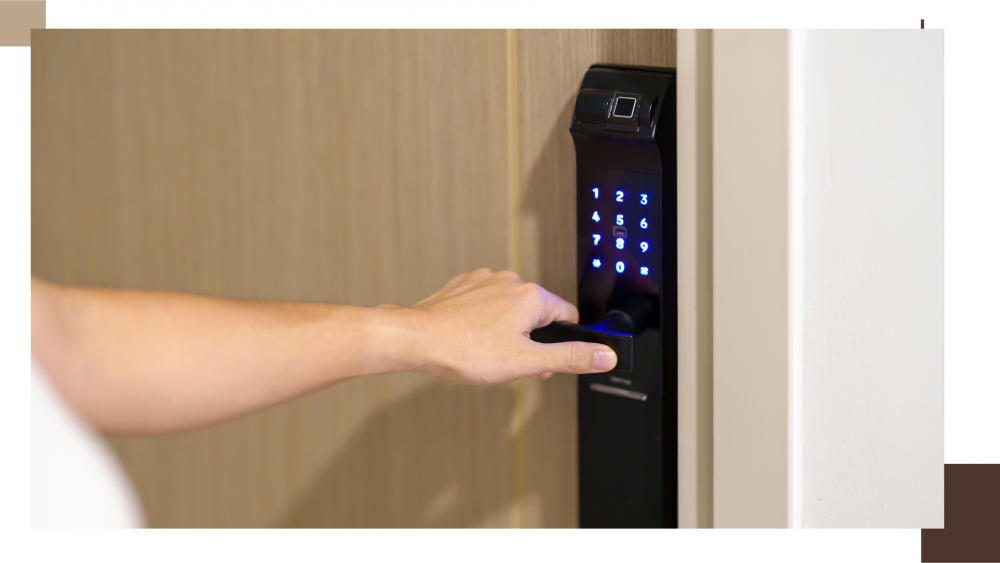
So, which one is better suited for real-world use?
The answer is It depends more on your lifestyle than on how high-tech the device is. Because some homes do not need a fully connected system, but just want everyday convenience when entering the house, while other homes will find a smart lock more fitting because they genuinely need to manage visitor access via mobile phone.
If you want "easy to use, no keys needed," a digital door lock may be enough
For homes where the main goal is to eliminate the hassle of carrying keys, make entry easier for family members, or use fingerprints/passcodes instead of keys, a basic digital door lock can serve the purpose very well without paying extra for connectivity features you might not use every day.
Examples of homes typically suited to this approach include:
- Homes where someone is always around
- Condos focused on convenience when coming and going
- Homes that do not require letting people in or out remotely
- People who want simplicity without relying on an app all the time
In cases like this, having a PIN, fingerprint, or keycard is already enough to make life much more convenient. It also reduces system complexity because you don't have to worry about internet connections or additional smart home system configurations.
If you want to "control from your phone and manage access permissions," a smart lock is a better fit.
If you frequently encounter situations like these:
- Wanting to unlock the door for family members remotely
- Having housekeepers, technicians, or assistants who come and go on a schedule
- Wanting to check whether the door is locked after leaving the house
- Wanting to view access logs to see who entered or exited and when
- Wanting to integrate the door into a smart home system
Only this way Smart lock ...it makes much more sense than a general digital door lock. That's because you don't just want "keyless access," but you also need "access management"—which is precisely what smart locks are designed to excel at.
Examples of homes typically suited for a smart lock include:
- Detached homes with various people coming and going
- Homes with elderly residents or children where you want to check the status remotely
- Homes that receive deliveries or have part-time caretakers coming at scheduled times
- People who already use a smart home system and want the door to integrate with other devices
The unlocking method matters more than you might think
Another point that confuses many people is the assumption that digital locks and smart locks must have clearly distinct "unlocking methods." But in reality, Unlocking methods can overlap. For example, some smart lock models feature fingerprint, PIN, keycard, and app access all in one, while some digital locks may only have PIN and keycard access without app connectivity.
Some manufacturers even recommend that users start with the question: "Which access method is right for you?" such as fingerprint, PIN, RFID, or app, because the unlocking method significantly impacts the actual user experience. For example, households with children might prefer passcodes over fingerprint scans, households with elderly members might need a simple, uncomplicated system, while those who value high flexibility may place more importance on unlocking via a mobile phone.
Therefore, when choosing, do not just look at whether it is a digital door lock or a smart lock, but also consider: "What is our household's real-life unlocking method?" such as:
- Is entering a passcode the most convenient?
- Is fingerprint scanning suitable for everyone in the house?
- Do you need backup keycards?
- Do you really need app-based unlocking?
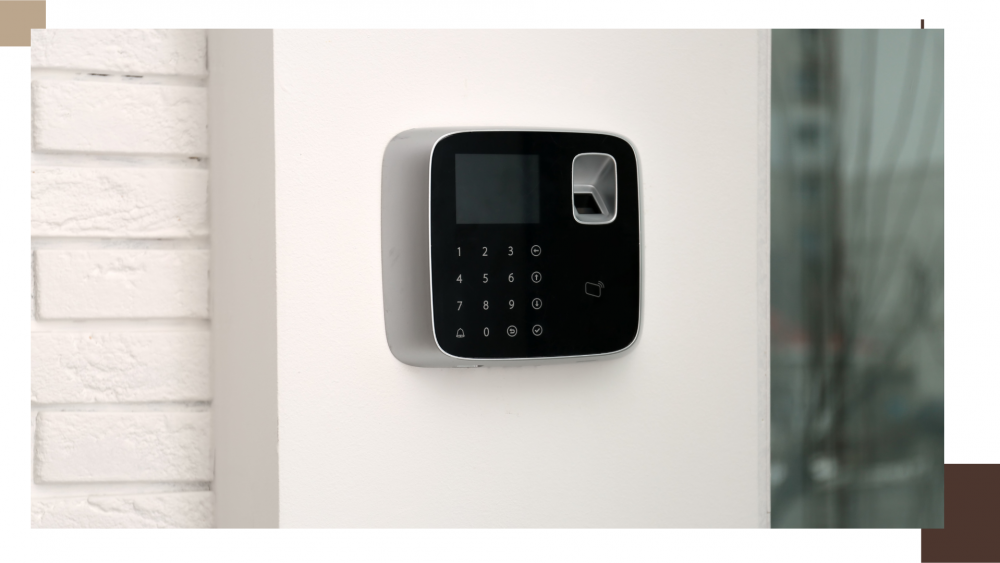
If you live in a condo, which type should you choose?
For condos, the answer often depends on the limitations of the existing door and the level of your usage needs. If you just want convenience without carrying keys and have no need to unlock the door remotely often, a digital door lock with a passcode or fingerprint scanner may be sufficient. The primary goal for a condo is usually "easier entry and exit" rather than managing multiple levels of user access permissions.
However, if you live in a condo and want to monitor door status remotely, frequently have visitors, or need to let family members in via your smartphone, a smart lock might be a better fit. You just need to check first whether that lock system is actually compatible with your existing door, as some manufacturers note that certain smart lock models are designed to be installed only with specific types of existing deadbolts—a crucial point for those not replacing the entire door.
If living in a detached house, does a smart lock have the advantage?
In a detached house, the advantages of a smart lock are often clearer because the usage context is typically more complex than in a condo—such as having multiple entry points, different types of people coming and going, or a more frequent need to check status from outside. If you travel often, receive home deliveries, have relatives or helpers entering at set hours, or require features like guest access, remote unlock, activity logs, or status updates, a smart lock will provide a distinctly "different" experience compared to a standard digital lock.
However, if your detached house has few household members, predictable schedules, and no real use for connectivity features, choosing a good, easy-to-use digital door lock with an unlocking method that suits everyone in the home might be more cost-effective. There is no need to pay extra for features you will not use.
Is there a difference in security?
On one hand, both digital door locks and smart locks offer similar "keyless convenience." But in terms of security, smart locks usually have an advantage in "management," such as:
- Checking door status
- Knowing who enters and exits at what time
- Setting temporary access permissions
- Revoking access permissions without having to retrieve physical keys
These features do not necessarily mean the lock is mechanically "stronger," but they add an extra layer of real-life control, especially in homes with multiple users or fluctuating visitor traffic.
Conversely, if your home does not need these features, the security you need may lie more in choosing a reliable lock, properly fitted to the door, with practical backup systems—such as backup battery power, low battery alerts, or emergency entry methods when necessary. Many electronic models are already designed with low battery alert and backup entry concepts in mind.
What if you're worried about battery life or system failures?
This is a question hesitant buyers often think about, and it is a very good question because both digital door locks and smart locks rely on power and electronics to a certain degree. However, many manufacturers specify that these systems usually come with low-battery alerts, and many models already provide backup options such as physical keys, emergency power supply, or alternative access methods.
Therefore, if you are concerned about this, you shouldn't just look at whether it has fingerprint scanning or an app when choosing; you should also ask:
- Is there a low battery warning system?
- Is there a backup method when the battery runs out?
- If there is a connection issue, can you still unlock it at the door?
This point is even more critical for smart locks, because having more connectivity features means you should also understand its "backup plan," rather than focusing solely on cutting-edge features.
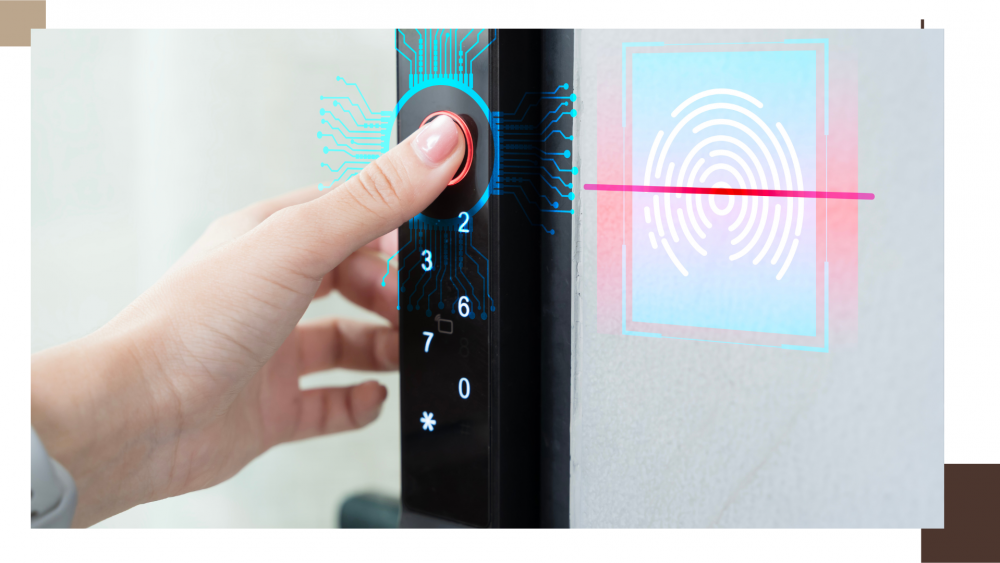
Which one is suitable for actual use?
To sum it up as briefly and clearly as possible:
Choose a digital door lock If you want:
- No need to carry keys
- Easy to use at the door
- PIN code / fingerprint / keycard is enough
- No serious need for smartphone control
- Focus on convenience rather than connectivity
Choose a smart lock If you want:
- Control via app
- Check door status remotely
- Send access permissions to others
- View access history
- Connect to smart home systems
- Manage access more flexibly than before
To put it most directly, Digital Door Lock is suitable for those who want to make life easier, while smart locks are suitable for those who want their door system to be more "manageable." The difference is therefore not just about advanced technology, but about your household's actual lifestyle habits and the level of functionality you need.