


 EN
 ไทย


Customers Also Purchased
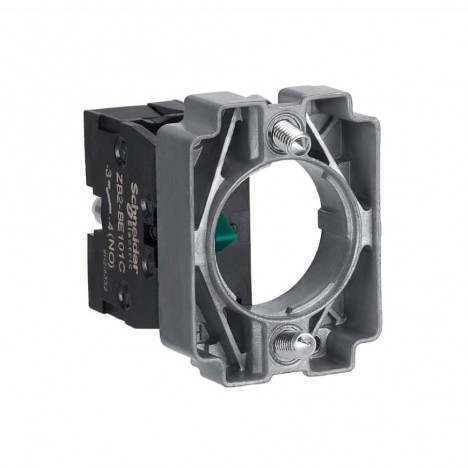
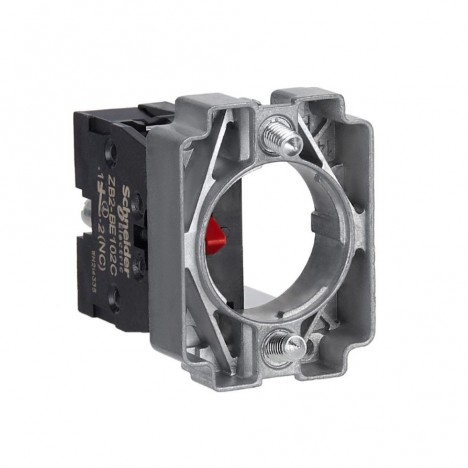
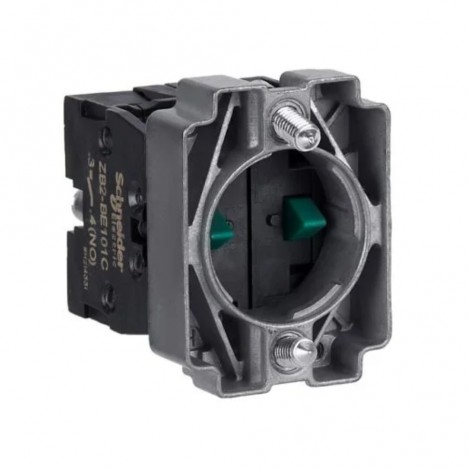
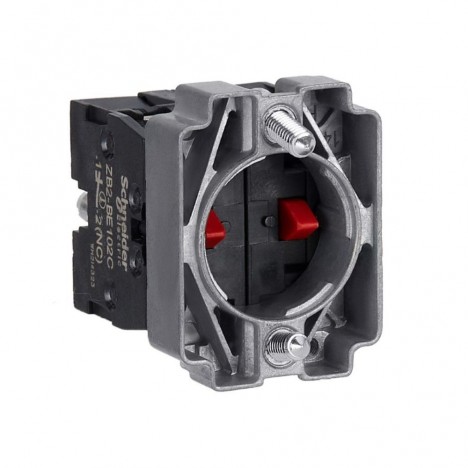
In electrical systems, whether in homes, offices, or large industrial plants, "Push Button Switches" is a small component often overlooked, but it is actually the first line of control for the entire system. Whether starting a motor, initiating an emergency stop, or indicating machine status, everything begins with pressing this little button. Nong Chang will take you deeper into the world of push button switches—covering types, safe selection methods, installation techniques that even beginners can follow, and insider tips known to electricians that everyday users might never have heard before!
Getting to Know the "Push Button Switch"
What is a push button switch?
A push button switch is an electrical circuit control device commonly found in machine control systems, electrical cabinets, and control panels. Its primary function is to connect or disconnect an electrical circuit with a single press, available in both momentary (normally open/closed) and latching (push-on/push-off) configurations.
These switches are usually designed in different colors and styles to reflect their functions, such as green for start, red for stop, or with built-in indicator lights to display system status. In addition, they are available for panel mounting or direct flush mounting on machinery.
In industrial applications, push button switches are considered essential devices that play an extremely crucial role, as they are the starting point for commands sent to other automated systems. If a switch fails to operate as intended, it could lead to damage across the entire process.

Why It Is Important to Electrical Systems and Machinery
A push button switch may look like just a small button, but in reality, it is the first line of command in all types of electrical systems and machinery. Pressing the button once sends a command to the circuit to "start" or "stop," allowing safe and precise equipment control.
In industrial systems, push buttons are commonly used to control motors, start conveyor belts, or stop machines in emergencies—especially "emergency stop buttons," which are essential and must function with absolute precision. Failing to cut the circuit in time can cause machine damage or endanger operators.
The importance of push button switches is therefore not limited to control alone, but also extends to operational safety and overall system reliability.
Components of a Push Button Switch
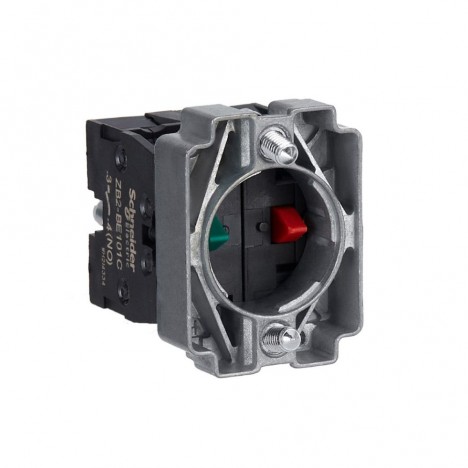
The structure of a push button switch consists of several parts working together, including:
- Actuator: The part used to press for operation, available in flush, extended, or illuminated designs.
- Mechanism: The internal mechanical assembly that controls the internal contacts when pressed or released.
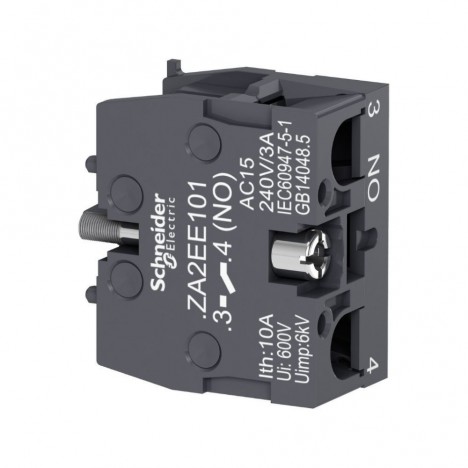
- Contacts: Electrical contact points categorized as NO (Normally Open) and NC (Normally Closed).
- Terminals: The part used to connect to the external electrical system.
- Mounting Base: Used for mounting onto control panels or control enclosures.
Every component must be robust and resistant to heat, moisture, and dust to ensure long-lasting operation in various environments.
Operating Types: Momentary and Latching
The operating modes of push button switches can be divided into 2 main types:
- Momentary: When the button is pressed, the circuit connects (ON), and when released, the circuit disconnects (OFF) immediately. It is suitable for applications requiring temporary control, such as elevator call buttons or emergency command buttons.
- Latching: When pressed the first time, the circuit remains connected and will only disconnect when pressed again. It is suitable for applications requiring continuous system operation, such as turning machinery on/off or continuous electrical systems.
Choosing the right type of push button for the specific application is the key to increasing overall system efficiency and safety.

Types of Push Button Switches You Should Know
Standard Push Buttons (Start/Stop)
Standard push button switches are the most common type found in various control systems, such as industrial machinery or even residential applications. They feature separate "Start" buttons to begin operation and "Stop" buttons to halt operation, with some models combining both into a single latching button or having clearly separated momentary buttons.
The highlight of standard push buttons lies in their clear control and ease of use, suitable for users of all levels. They are typically color-coded according to standards, such as green for start and red for stop, enhancing safety and ease of understanding in fast-paced environments.
Emergency Stop Push Buttons
Emergency stop buttons are considered the heart of safety in control systems, designed to immediately halt all operations during unexpected events, such as machinery malfunctions or operators being in danger.
These buttons are usually bright red, large, feature specific symbols, and can be installed for convenient and quick access. They utilize a latching mechanism—press once to lock in place—so that the system stops immediately and will not restart until reset.
Illuminated Push Buttons
Buttons with built-in lights illuminate during operation or when connected to the circuit. They are ideal for indicating status in dark areas or spaces requiring clear visibility, such as factory control cabinets or large machinery control panels.
Additionally, different light colors can be used to distinguish various functions, such as green for operating and unlit indicating not ready. This helps operators clearly see the status from a distance and reduces operational errors.
Foot Switches / Panel-Mount Push Buttons
In tasks where operators cannot conveniently use their hands, such as operating two-hand controlled machinery or holding tools, foot switches provide a safe and effective alternative.
Additionally, there are push buttons designed for panel mounting, which are often waterproof and dustproof for reliable operation in harsh environments. They are well-suited for outdoor industrial work or environments exposed to chemicals.
How to Choose the Right Push Button Switch for Your Application
Voltage and Current
Before purchasing a push button switch, check whether the operating voltage and current fall within the supported range. Choosing the wrong specifications can cause heat buildup or burn out contacts, rendering the switch unusable.
Typically, voltage ratings support 24V, 110V, 220V AC or DC, depending on the control system. Manufacturers clearly specify these ratings on the device; always read the label carefully before installation.
Protection standards, such as IP Rating
For switches used in different environments, an appropriate protection rating should be chosen, for example:
- IP65: Dustproof and splashproof, suitable for general factories
- IP67: Temporary water immersion protection, suitable for outdoor use
If used in environments with steam, oil, or heavy dust, choosing a higher protection rating helps extend product lifespan and reduces environmental damage.

Hole cutout size and installation
Before purchasing, check the mounting hole size on the control panel, such as 16 mm, 22 mm, or 30 mm, and check the mounting method: screw-nut tightening, snap-fit clip, or direct flush mount onto the panel, which affects stability and maintenance convenience.
Color and status indication
The button color is not just for aesthetics, but also involves safety standards. Green, red, yellow, blue, or white each have specific meanings, such as:
- Green: Start
- Red: Stop/Emergency
- Yellow: Caution/Warning
- Blue: Specific command/Mandatory action
Choosing colors that align with organizational standards helps operators understand functions easily and reduces the risk of operation errors.
Safe installation and usage
Preliminary steps before installation
Before every push button switch installation, make sure the electrical power is completely disconnected to prevent electric shock or accidents during work. Prepare all necessary tools, such as screwdrivers, wire cutters, a soldering iron, etc.
Check that the cutout hole size on the control panel matches the switch size, and choose an installation location that is clearly visible and easily accessible—especially for emergency stop buttons, which should be in a position where they can be operated immediately in an emergency.
If it is an illuminated button, connect the wiring correctly with regard to both the voltage and the NO/NC (Normally Open / Normally Closed) terminals to ensure the switch operates as designed.
Post-installation inspection
Once installation is complete, double-check that the switch is securely fastened and that there are no loose wires or touching wires. Then, turn on the power and test its operation in the actual system, such as:
- Start button Does it operate according to the command?
- Stop buttons Can it stop the system?
- Emergency button Does it activate immediately when pressed?
If any issue is found, stop operation immediately and inspect the connection points or internal components.
Checking lifespan and wear
Push button switches have an operating lifespan based on press cycles, such as 100,000 – 1,000,000 times, depending on materials and manufacturing quality. Therefore, maintenance should include checking actuation force, stiffness, or sticking button issues.
If you find that the button does not bounce back, or the clicking sound is faint or abnormal, replace it immediately to prevent potential issues later.
Common problems and solutions
- Button doesn't work when pressed: Check contacts and wiring connections
- Button gets stuck: Check for foreign objects or damaged internal springs
- Indicator light won't illuminate: Check the LED wiring and power supply
Regularly inspecting switches helps reduce the risk of system downtime and significantly extends the lifespan of the equipment.

Summary and buying guide recommendations
Summary of 4 main selection criteria
- Operation type: Choose according to the application type (Momentary or Latching)
- Safety: Emergency stop buttons should be latching types and installed in easily accessible locations
- Electrical specifications: Check that the supported voltage and current ratings match the system
- Durability and standards: Consider IP ratings and materials resistant to environmental conditions
Selection guide for general and industrial applications
- For general applications: Choose simple, non-illuminated models, which are sufficient—such as push buttons for lighting or small electrical appliances
- For industrial applications: Opt for illuminated switches with clearly distinct colors, IP ratings, and durable construction to withstand harsh environments
Tips recommended by our technician
- Purchase from reliable sources and stores that offer a warranty
- Don't forget to check for accessories such as protective covers or mounting enclosures
- For multi-user systems, standard colored buttons should be used to reduce confusion.
Things to ask the seller before buying
- What voltage/current does it support?
- Is it suitable for indoor or outdoor use?
- Does it have standard certifications?
- What is the approximate lifespan in operating cycles?
Conclusion
push button switches It may seem like a small device, but it plays a crucial role in both system control and user safety. Whether for home use or heavy industrial applications, it requires proper understanding and correct selection.
From this article, readers will learn about the types of switches, proper selection methods, and safe installation, including practical tips directly from our technician team that can be applied to real-world system installation and maintenance tasks.
If you are planning to purchase or install push button switches, don't forget to revisit this article, and feel free to consult experts further to ensure you get the equipment that best fits your needs.